
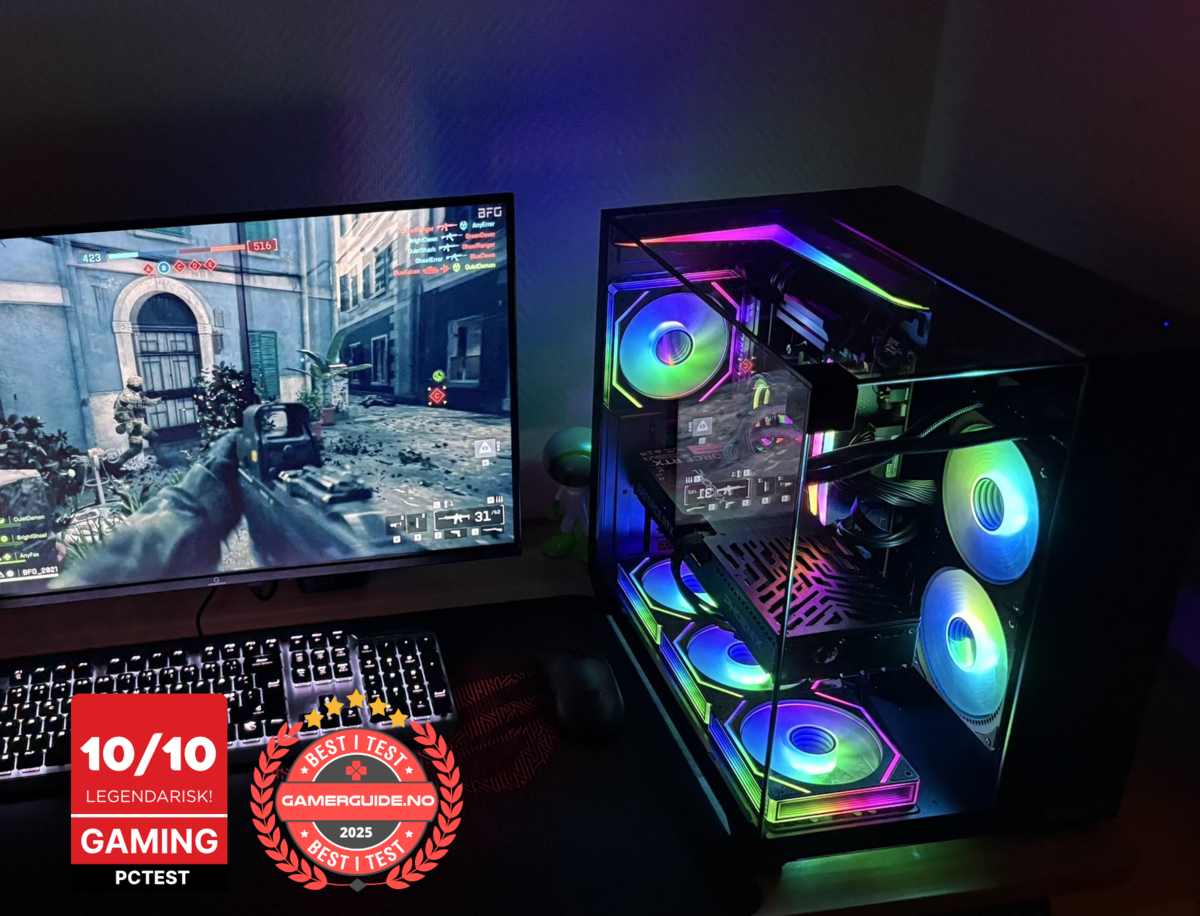
Gaming computer: What to look for in 2025
Shopping for a gaming computer in 2025 can feel confusing because every product page highlights big model names. The truth is simple: the best gaming PC is the one that matches your monitor, your games, and your FPS target, with the right balance of GPU, CPU, RAM, SSD, and cooling.
This guide explains what actually matters (and what is mostly marketing), how to avoid overpaying, and how to pick the right performance tier. At the end you’ll find three ready-to-go Greencom gaming PCs if you want clear specs and service in Norway.
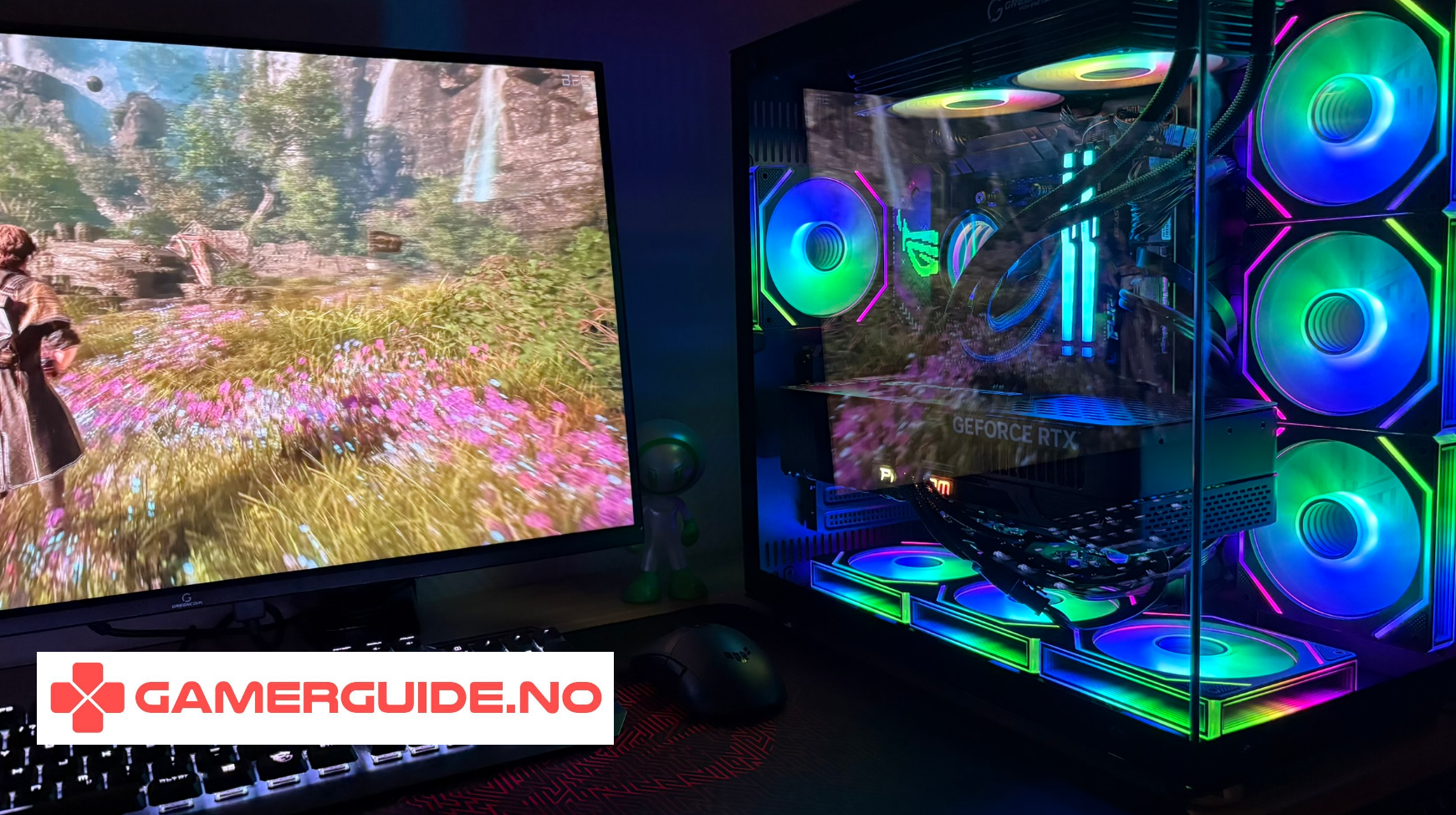
Quick picks for 2025
- Best value for most people: 1440p-focused build with a strong GPU and a “good enough” CPU
- Best for competitive FPS: CPU-strong build for high, consistent FPS at 1080p/1440p
- Best for AAA visuals: GPU-first build for 1440p/4K, with solid cooling and PSU
1) Start with your monitor and FPS goal
A gaming computer is only “good” relative to your screen. Use this as a simple pairing guide:
- 1080p 144–240Hz: you need consistent high FPS (CPU matters a lot)
- 1440p 144–180Hz: GPU becomes the main priority for most games
- 4K 120Hz: GPU is everything, and you’ll want strong cooling and PSU headroom
2) GPU: the #1 performance driver (most of the time)
The GPU (graphics card) usually decides how high your FPS can go at higher settings, especially at 1440p and 4K. If you’re buying a prebuilt gaming PC, don’t stop at the GPU name. Two PCs with the “same GPU” can still perform differently due to:
- cooling and airflow (boost stability)
- power limits and PSU quality
- RAM configuration (dual channel vs single)
- CPU bottlenecks at high FPS
3) CPU: crucial for competitive games and high refresh rate
The CPU matters most when you want very high FPS (144Hz/240Hz) and play competitive titles like CS2, Valorant and Fortnite. A stronger CPU typically improves:
- 1% lows (smoothness)
- frame consistency (less stutter)
- high-FPS performance at 1080p/1440p
If you mostly play AAA singleplayer games at 1440p/4K, you’ll usually get more value by prioritizing GPU over CPU.
4) RAM: don’t ignore configuration
In 2025, 16GB RAM can still work for many gamers, but 32GB is often more comfortable if you multitask (Discord + browser + streaming/recording).
Key detail: dual channel matters
- 2x8GB or 2x16GB (dual channel) often performs better in games
- 1x16GB (single channel) can reduce FPS and smoothness
5) SSD: what makes the whole PC feel fast
A fast NVMe SSD won’t always raise max FPS, but it massively improves load times, installs, and overall responsiveness. In 2025, many gamers will be happier with:
- 1TB SSD as a practical minimum
- 2TB if you keep several large games installed
6) Cooling and airflow: the “hidden” spec that changes everything
Cooling affects performance, noise, and stability. A PC that runs hot may:
- get louder under load
- reduce boost speeds over time
- feel less consistent in long sessions
Look for clear information about airflow, number of fans, and the CPU cooler. If the product page is vague, be cautious.
7) PSU: stability and upgrade headroom
The power supply (PSU) is the backbone of stability. Don’t only look at wattage. A quality PSU with headroom helps avoid random shutdowns and supports future upgrades.
8) The fastest way to compare two gaming computers
Before you buy, compare these five lines:
- GPU: exact model
- CPU: exact model
- RAM: amount + configuration (2 sticks?)
- SSD: size (1TB?) + type (NVMe?)
- Cooling/PSU: any clear details?
Want a ready-to-go gaming computer with clear specs and service in Norway?
If you want a gaming computer that’s balanced for real-world performance (FPS, temperatures, and noise), and you want service in Norway, here are three Greencom options:
ArcticStorm iZ539X Gaming PC - RTX 5060 | i7 | 16GB
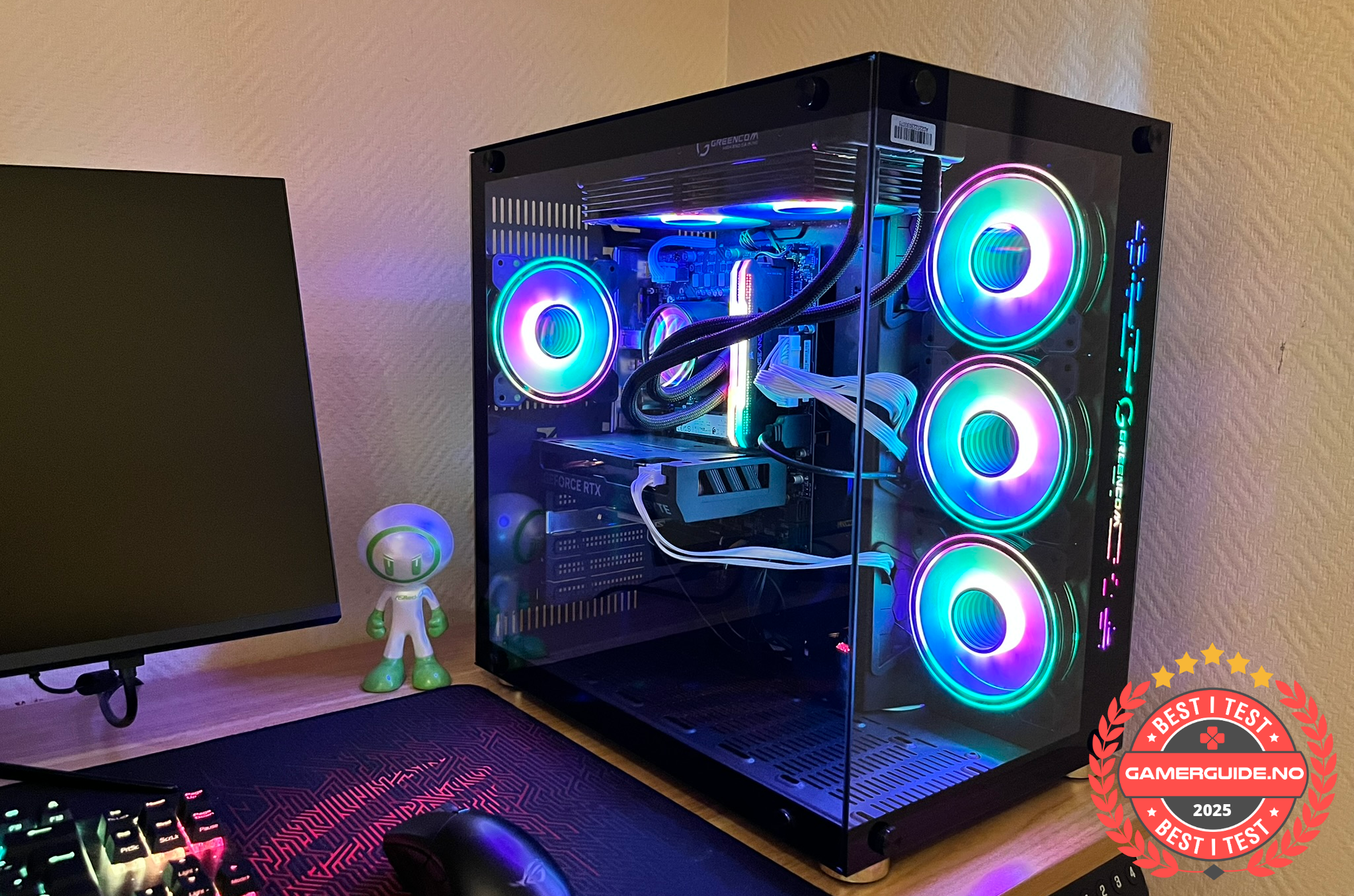
A strong value pick for 1080p gaming and high refresh rate setups, focused on smooth, consistent performance.
Phoenix Z569CR Gaming PC - RTX 5060 | Ryzen 7 | 16GB
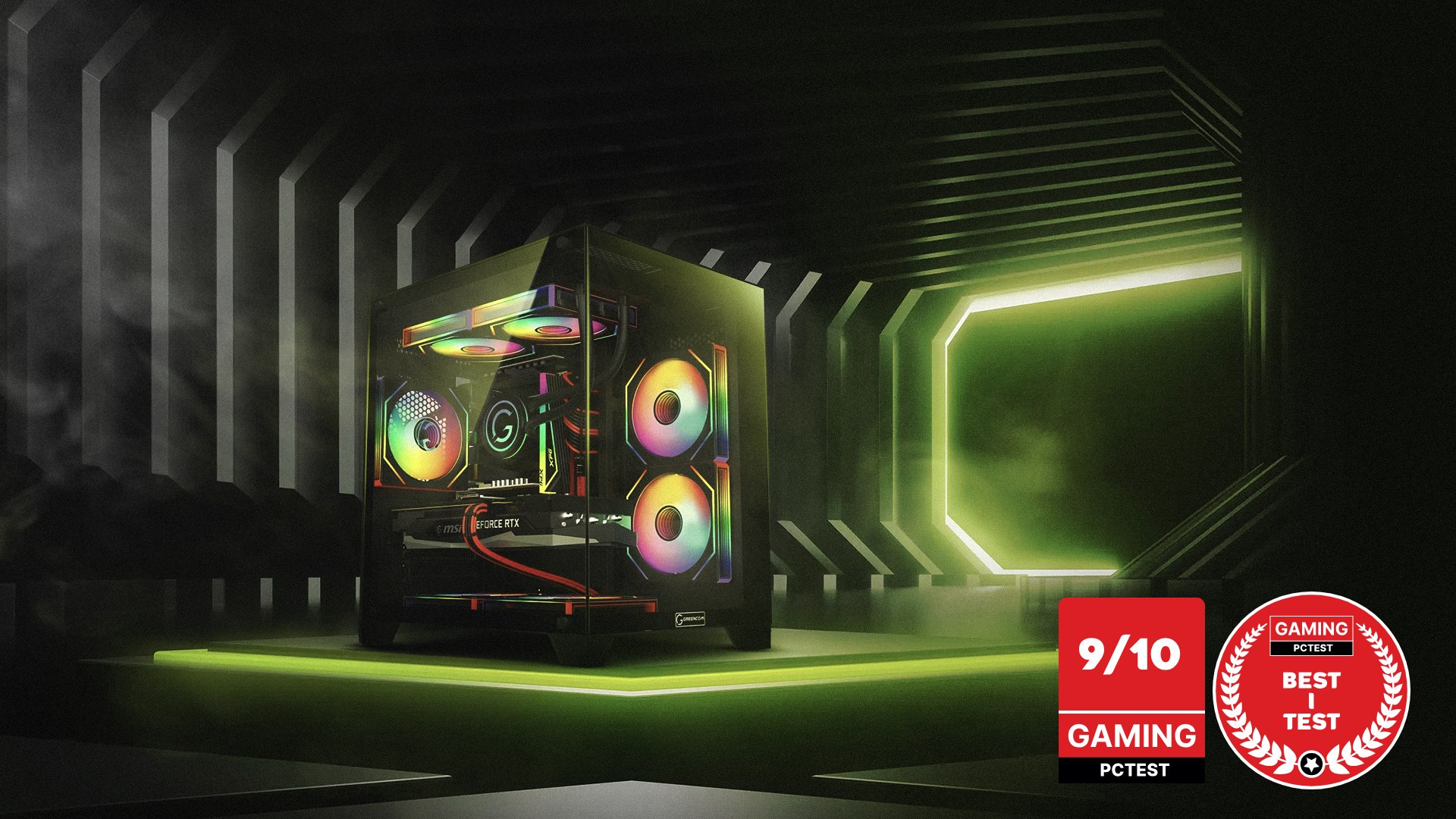
A balanced all-round gaming computer for 1440p-leaning setups and a smooth everyday experience.
ZENITH hX97Z2 Gaming PC - RTX 5070 TI | Ryzen 7 9800X3D | DDR5 16GB
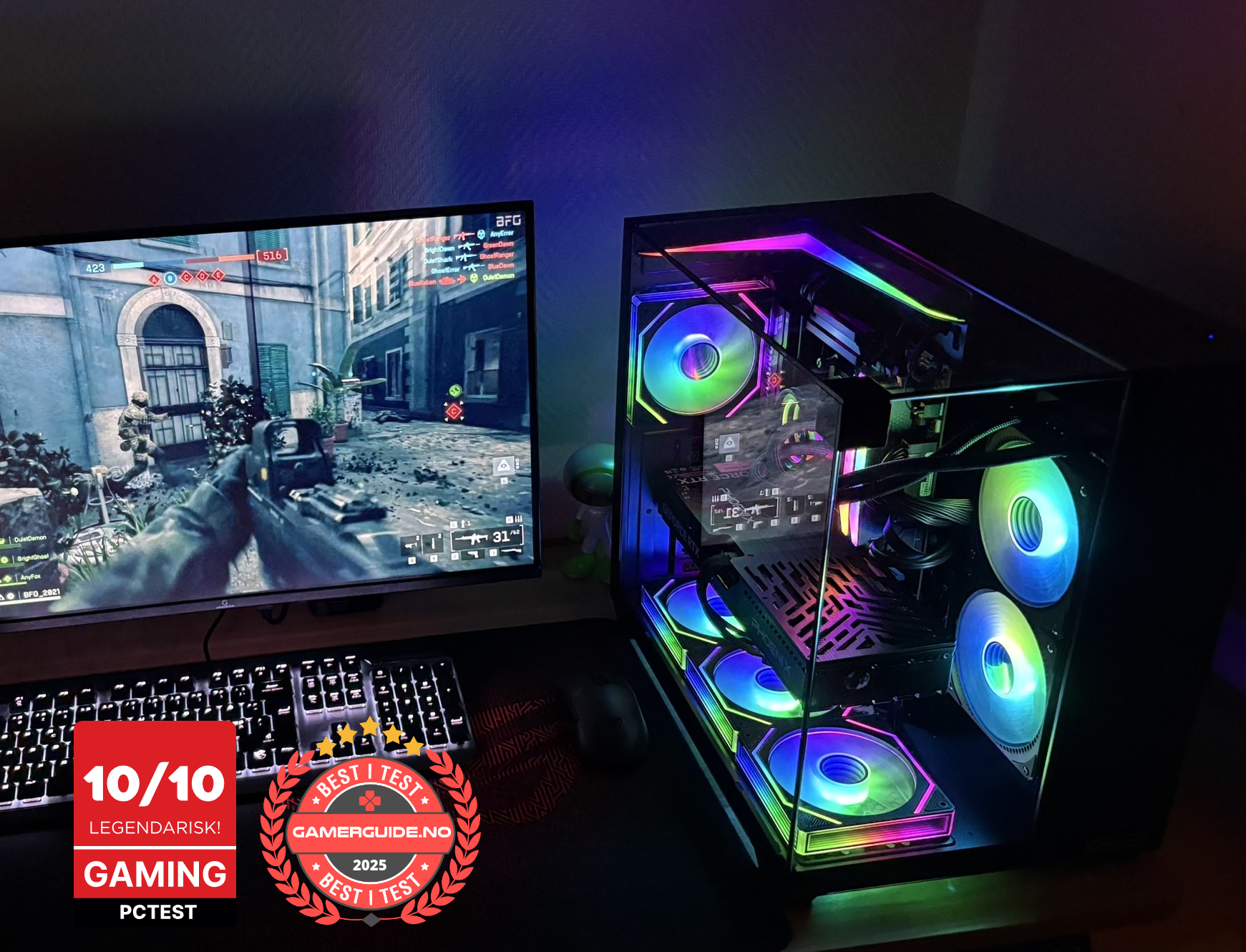
A higher tier option for 1440p high-Hz gaming and a more future-ready setup with strong CPU + GPU balance.
Summary checklist (copy/paste when comparing)
- Target: 1080p/1440p/4K + 144Hz/240Hz
- GPU exact model
- CPU exact model
- RAM: 16GB/32GB + 2 sticks (dual channel)
- SSD: 1TB+ NVMe recommended
- Cooling: airflow + fan count + CPU cooler
- PSU: quality + headroom (not just wattage)
_1.png?1775823017388)



.png)
.png)
.png)
.png)