
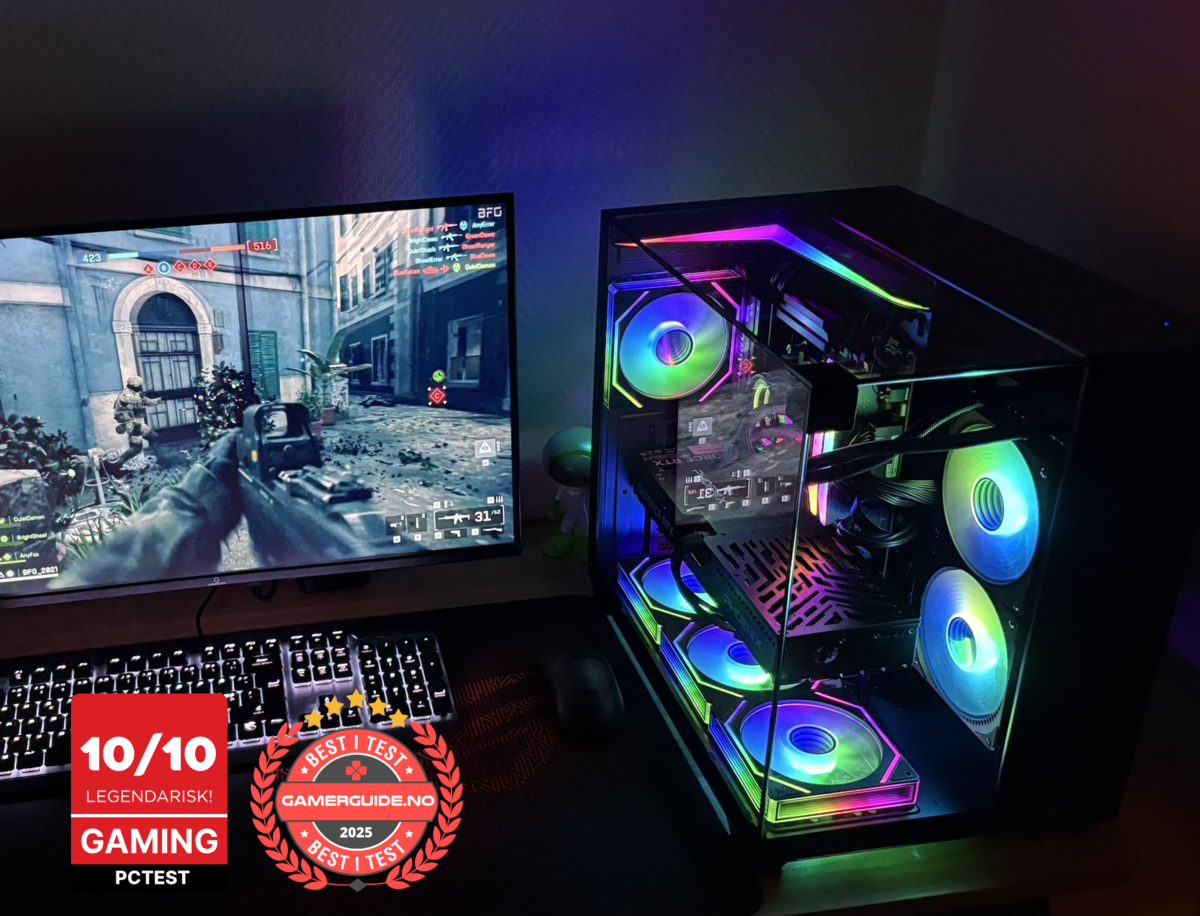
Gaming computer screen: What to look for in 2025
Buying a gaming computer screen in 2025 is easier than it looks if you focus on the few specs that actually matter: resolution, refresh rate (Hz), response/ghosting, panel type, and the right ports. The biggest mistake is buying a “premium” monitor that your PC can’t fully use, or buying a high-Hz screen without a PC that can deliver the FPS.
This guide covers what to prioritize for different types of gaming, how to avoid common marketing traps, and how to match your monitor to the right gaming PC. At the end you’ll find three ready-to-go Greencom gaming PCs if you want a smooth setup with clear specs and service in Norway.
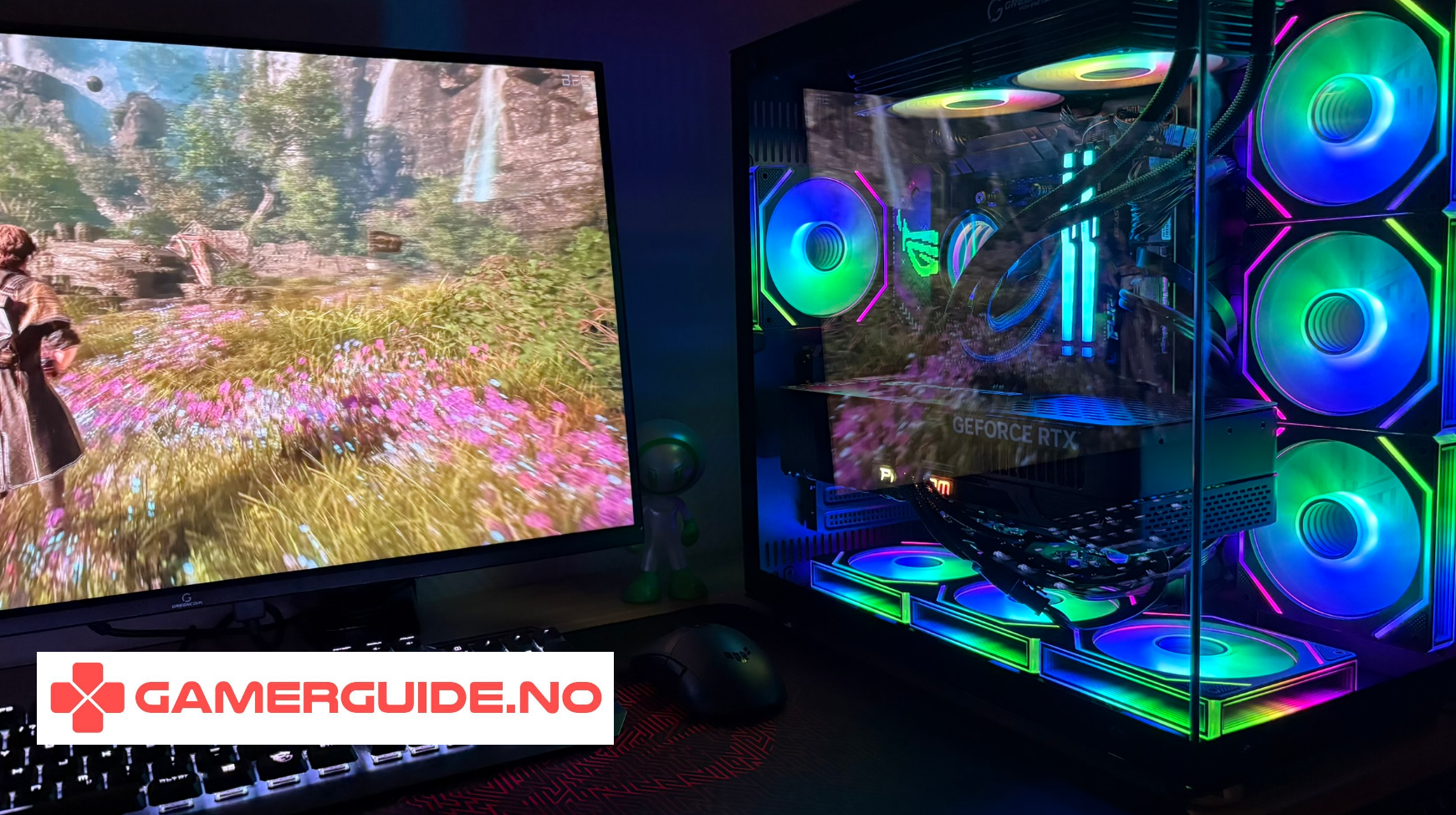
Quick picks for 2025
- Best all-round: 27" 1440p 144–180Hz (usually IPS)
- Best for e-sports: 24–25" 1080p 240Hz+
- Best for cinematic AAA: 32" 4K 120–144Hz (strong GPU recommended)
1) Resolution: 1080p vs 1440p vs 4K
1080p (Full HD)
- Best FPS-per-dollar and easiest to hit high frame rates
- Ideal for competitive titles and 240Hz+
- Sweet spot: 24–25"
1440p (QHD)
- Best balance of sharpness and performance in 2025
- Looks noticeably sharper than 1080p at typical desk distance
- Sweet spot: 27" (also good at 32")
4K (UHD)
- Sharpest image and best for singleplayer/AAA immersion
- Hardest to drive at high FPS, needs a stronger GPU
- Sweet spot: 32" and up
2) Refresh rate (Hz): what actually matters
Hz is how many times per second the screen updates. Higher Hz feels smoother and more responsive, but only if your PC can deliver the frames.
- 144Hz: the biggest jump from 60Hz for most people
- 165–180Hz: nice upgrade if you can maintain the FPS
- 240Hz+: mainly for competitive e-sports and high FPS setups
- 120Hz at 4K: great for cinematic gaming if your GPU is strong
3) Response time: don’t get fooled by "1ms"
Many monitors advertise “1ms”, but real-world clarity depends on pixel response and tuning (overdrive), which affects ghosting and inverse ghosting.
What to look for in practice
- Reviews showing low ghosting at your target Hz (144/240)
- Good motion clarity without “overshoot” artifacts
- A usable overdrive mode that doesn’t ruin the image
4) Panel type: IPS vs VA vs OLED (2025 reality)
IPS
- Great all-rounder: color, viewing angles, consistent image
- Common choice for 1440p 144–180Hz
VA
- Higher contrast (deeper blacks) than IPS
- Can show more smearing in fast motion on some models
- Nice for darker games and movies if motion performance is good
OLED
- Best contrast and often best motion clarity
- Premium choice for AAA immersion and high-end setups
- Typically more expensive
5) Adaptive sync: smoothness without tearing
Look for adaptive sync support (commonly marketed as FreeSync / G-SYNC compatible). It helps match refresh rate to FPS, reducing tearing and stutter when frames fluctuate.
6) HDR: what to expect (and what to ignore)
In 2025, “HDR” labels vary a lot. If HDR matters to you, look for strong real-world HDR performance in reviews, not just a checkbox on the spec sheet.
7) Ports and practical features
- DisplayPort: usually the safest choice for high Hz on PC
- HDMI: fine, but make sure it supports your target resolution + Hz
- Ergonomics: height adjustment matters more than people think
- Size vs distance: bigger isn’t always better at a desk
Match your gaming PC to your gaming computer screen
A simple pairing guide:
- 1080p 240Hz+: prioritize CPU and consistent high FPS
- 1440p 144–180Hz: prioritize GPU (and don’t neglect CPU)
- 4K 120–144Hz: GPU is the key, plus solid cooling/PSU
Want a ready-to-go gaming PC that matches your monitor choice?
If you want clear specs, a balanced build, and service in Norway, here are three Greencom options that pair well with typical 2025 monitor setups:
ArcticStorm iZ539X Gaming PC - RTX 5060 | i7 | 16GB
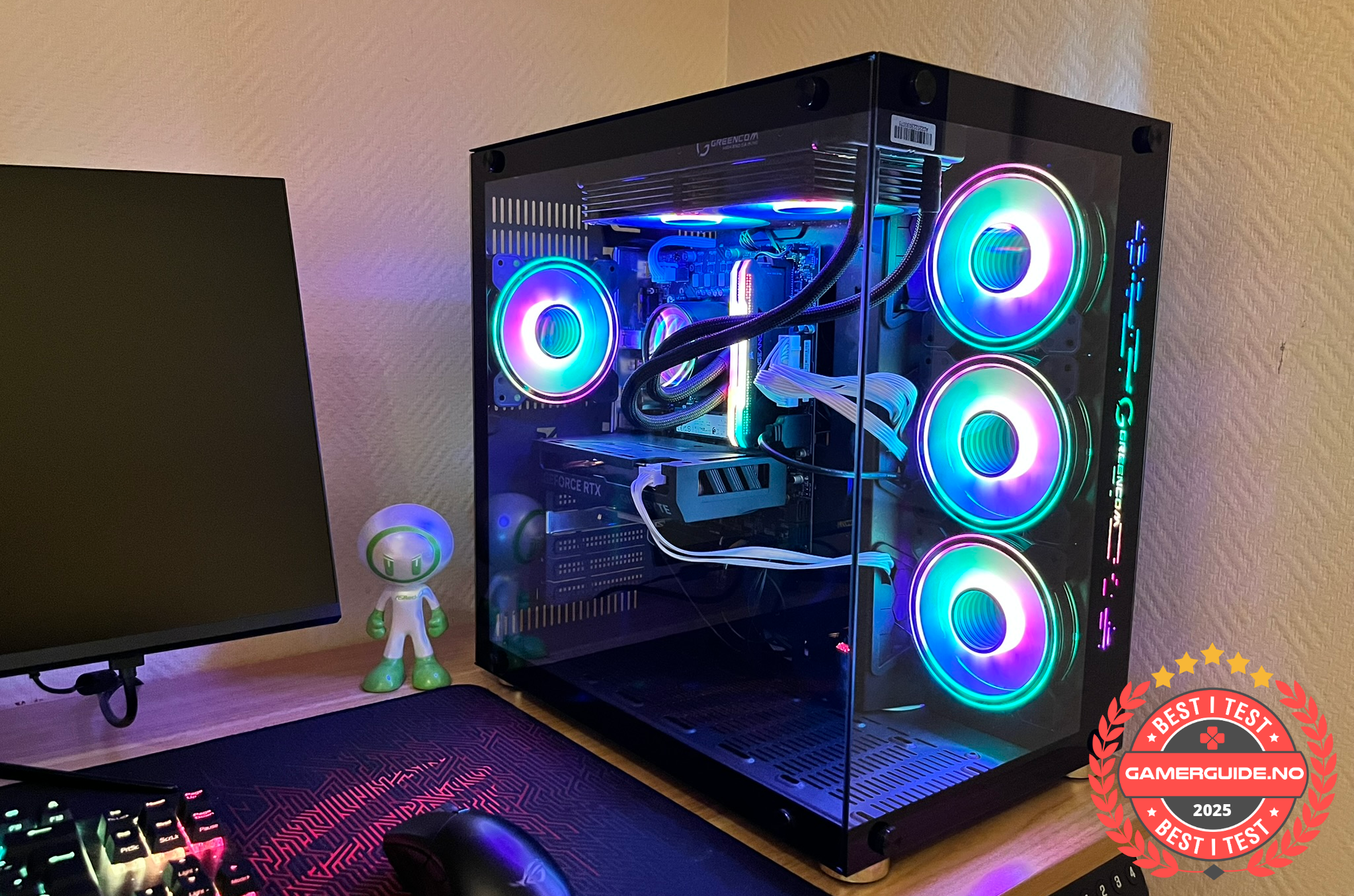
Great for 1080p high-Hz gaming and competitive titles where consistent FPS matters.
Phoenix Z569CR Gaming PC - RTX 5060 | Ryzen 7 | 16GB
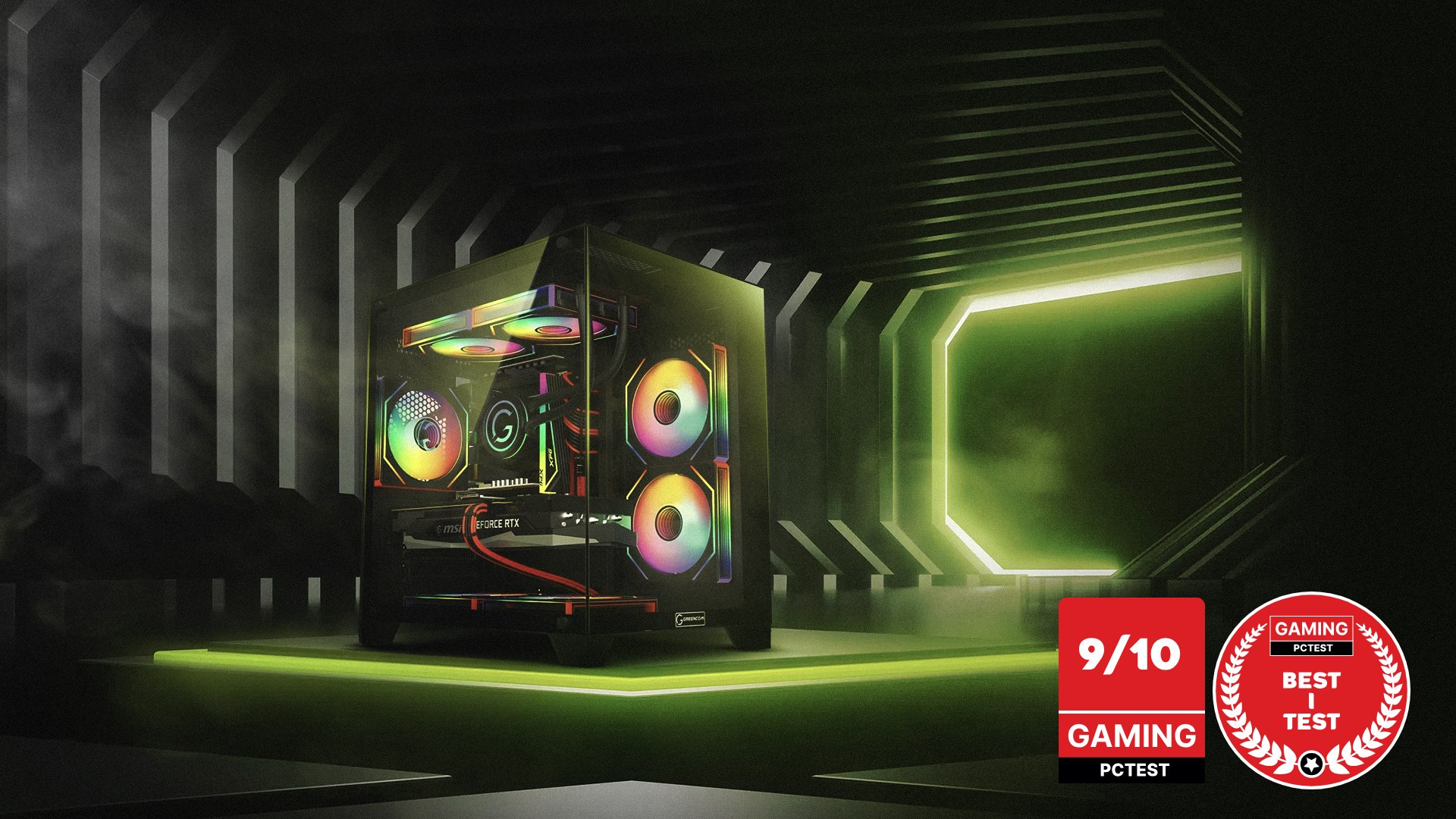
A balanced choice for 1440p gaming and general use, designed for a smooth day-to-day experience.
ZENITH hX97Z2 Gaming PC - RTX 5070 TI | Ryzen 7 9800X3D | DDR5 16GB
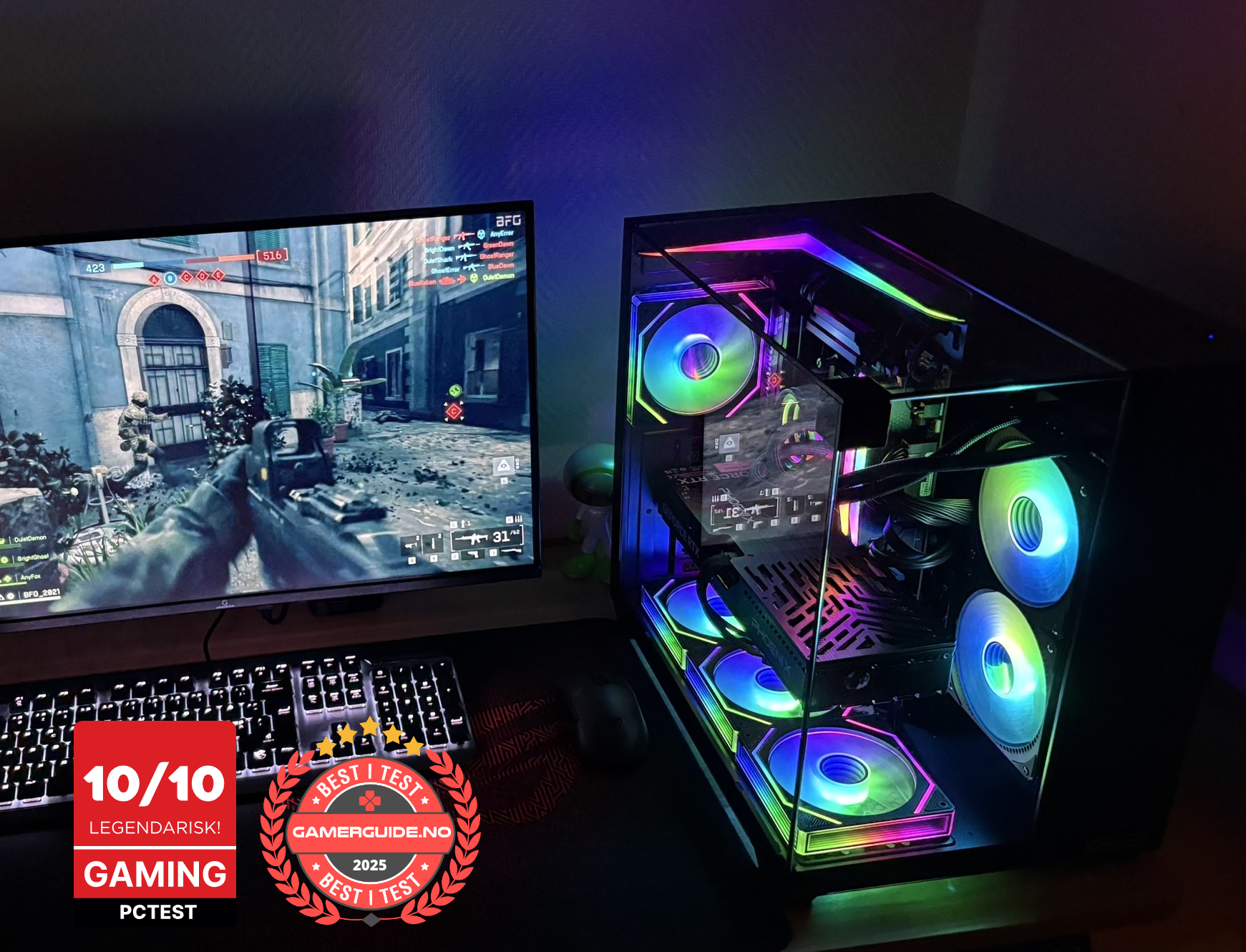
A stronger option for 1440p high-Hz and a more future-ready setup for demanding games.
Summary
- In 2025, the safest all-round buy is 27" 1440p 144–180Hz
- For competitive gaming, prioritize 1080p 240Hz+ and a PC that can push high FPS
- For AAA immersion, 4K 120–144Hz is amazing, but needs a stronger GPU
- Ignore “1ms” hype, focus on real-world ghosting and motion clarity
_1.png?1775823017388)



.png)
.png)
.png)
.png)